

Collaborate smarter with your team.
Xynexa is your all-in-one collaboration tool — chat, plan, and manage projects with unmatched clarity and speed.
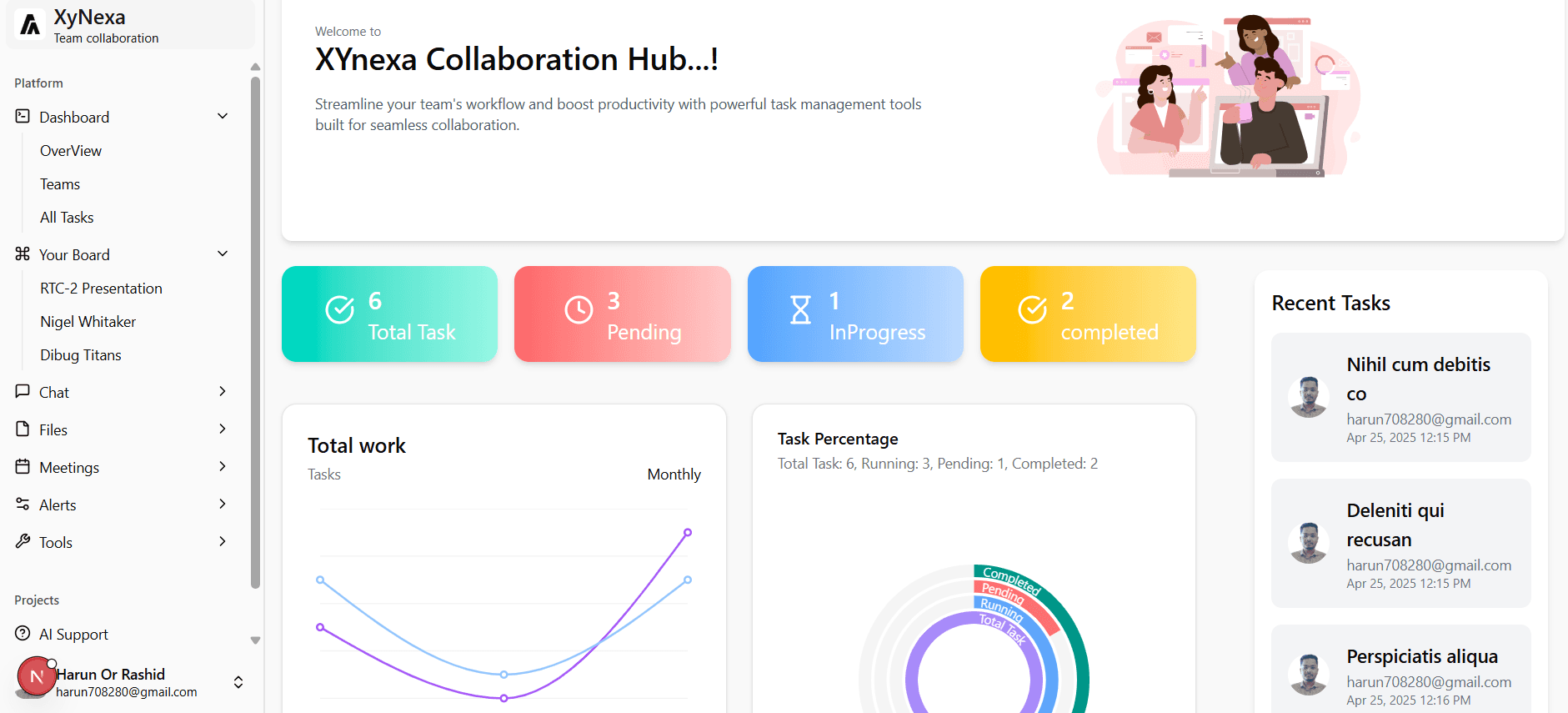
Trusted by 50,000+ teams to communicate easily
Teamly Main Features
All-in-one solution for Managing your team
Team Collaboration
Together is better. Streamline workflows, and achieve shared goals with intuitive team platform.
Team Report
Team Reports provide actionable insights to optimize workflows and boost team effectiveness.
Manage Teams
Manage teams, projects, and communication from one central hub, ensuring everyone stays on track.
Conversation
Real-time conversations, file sharing, and threaded messaging ensure everyone engages in the discussion.
Performance Stats
Gain real-time insights into individual and team performance with comprehensive performance stats.
Payment Setup
Simplify team expenses and invoicing with our secure and integrated payment setup.
Create and Assign Tasks
Easily and quickly with Teamly
With Teamly, you can create and assign tasks to your team members in just a few clicks. Simply enter the task name, description, due date, and priority, and then assign it to one or more team members.
Teamly also provides real-time notifications when tasks are updated. This way, you and your team members can always stay informed about the status of their tasks.
Create tasks in seconds with Teamly's intuitive task creation interface.
Assign tasks to one or more team members, set due dates () and priorities (), and add attachments and comments.

Complete website design tasks
09:30 - 10:40 AM (IST)

AI-Powered Suggestions
Smart recommendations to boost your productivity.
AI Assistant
Your new ultimate productivity companion
Our AI Assistant is meticulously crafted to seamlessly integrate into both your personal and professional spheres, poised to revolutionize the way you manage tasks and boost your efficiency.
Video Editing
Transform your raw video content into captivating, polished narratives with our intuitive editing tools.
3D Modeling
Unleash your creative vision and build immersive digital worlds with our powerful 3D modeling capabilities.
Speed up your workflow
We are excited to present our stunning solutions designed to address your unique needs and provide a seamless user experience.
Monitor key metrics and access tools all in one place.
Organize tasks efficiently with visual boards and progress tracking.
Communicate instantly through messaging and group chats.
Host and join meetings with features like group calls, voicemail, and transfers.
Get real-time assistance and collaboration powered by AI.
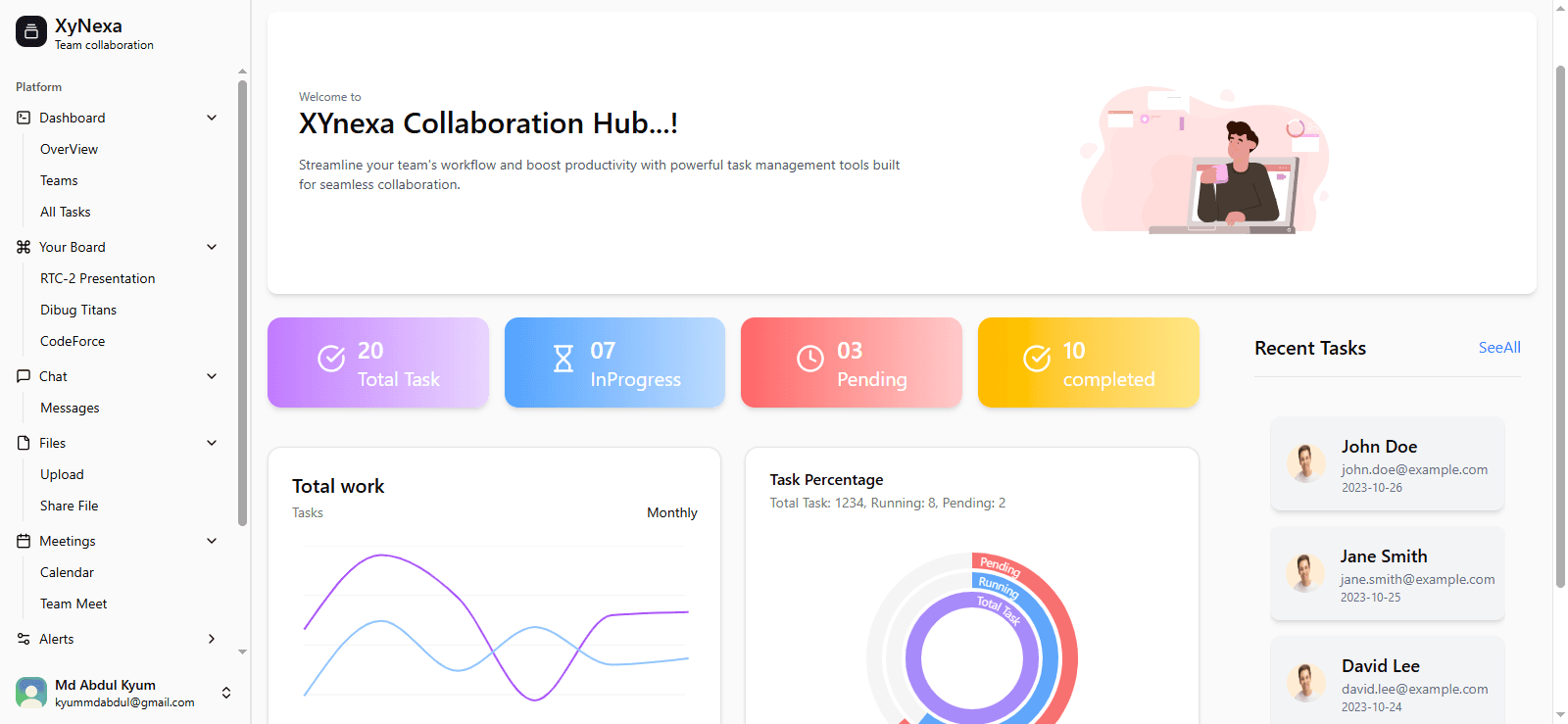
Monitor key metrics and access tools all in one place.
Supercharge your growth
Whether you're a small startup, a growing mid-sized business, or a large enterprise, we have plans tailored to your specific demands.
Free
Best for personal uses
FREE
Key Features:
- 100MB Storage
- Unlimited Tasks
- Unlimited Free Plan
- Two-Factor Authentication
- Collaborative Docs
Diamond
Best for mid-sized teams
$ 12
Key Features:
- Unlimited Storage
- Unlimited Integrations
- Unlimited Dashboards
- Guests with Permissions
- Unlimited Gantt Charts
Platinum
Best for large teams
$ 25
Key Features:
- White Labeling
- Advanced Permissions
- Conditional Logic in Forms
- Enterprise API
- Unlimited Custom Roles
user testimonial
What are people saying


"As a marketing professional, I rely heavily on data to drive my campaigns. They’ve been instrumental in helping me analyze and visualize data effectively."
Jennifer Lee
Entrepreneur @ Monaco




Gain valuable insights
 Strategy
Top 5 reasons to invest in marketing
 Marketing
How can marketing help your business?
 Business
The ultimate guide to marketing success
Do you have any questions?
Find answers to the most common questions about our team management system.